Run ActiveCampaign Automations on Contacts from FuseDesk
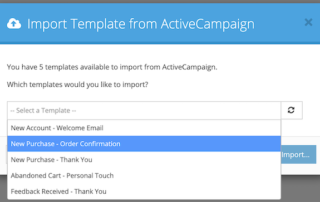
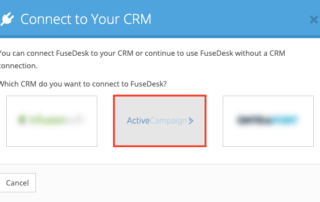
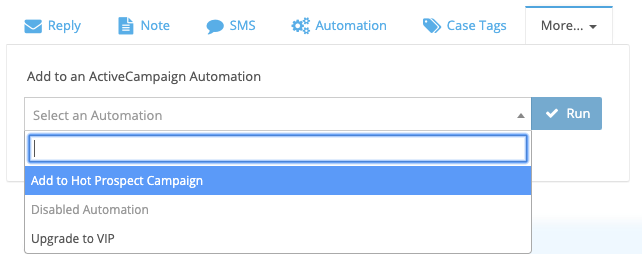
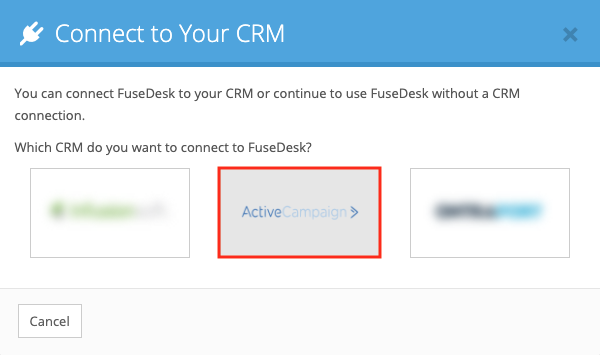
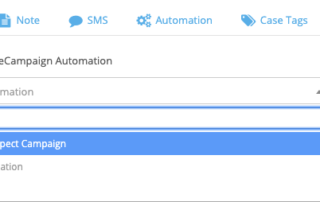
All of your ActiveCampaign Automations are available for your team to use inside of FuseDesk. From a case, click into Add to Automation and choose which ActiveCampaign Automation you'd like to add your contact to. Click Run and the contact will be added to the selected Automation inside of ActiveCampaign. Note that only Active Automations Keep Reading...