Your GoHighLevel Tags are available for your team to use inside of FuseDesk.
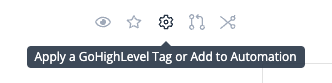
From a case, click the Automation Gear icon and search for the GoHighLevel Tag you’d like to apply to your Contact.

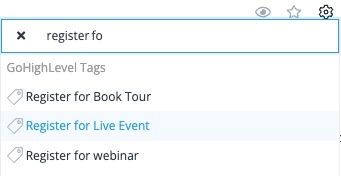
Click the GoHighLevel Tag you’d like to apply from the list.

The contact will then be tagged inside of GoHighLevel.
Tagging a contact is a great way to trigger powerful automations in GoHighLevel without ever leaving FuseDesk!